
Camera Chain Setup: Six Mistakes That Cost Studios Time
Most camera matching problems start before the first cable is plugged in. This note lists the mistakes we see most often in studio and field camera chains, and the habits that prevent them.
6 minutes to read
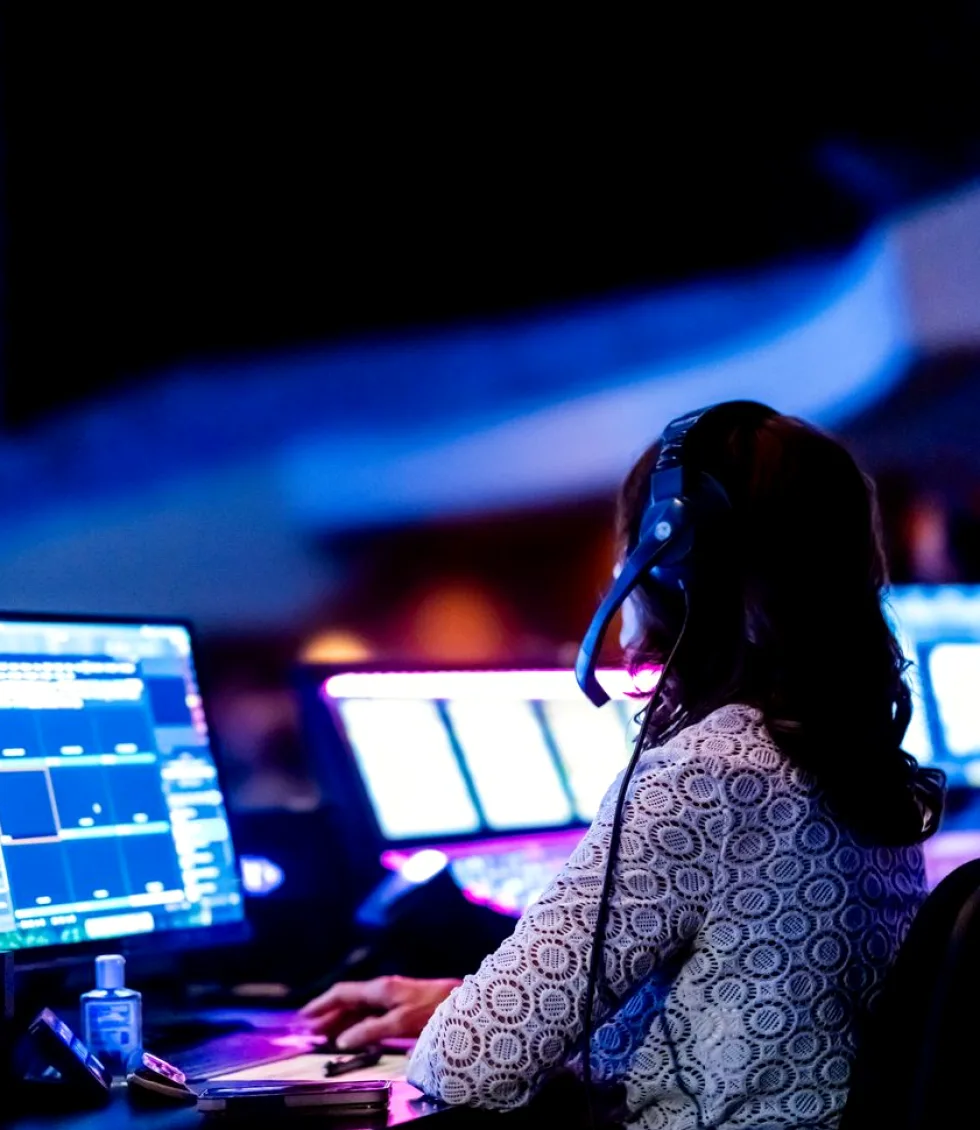
Matching cameras by eye on one monitor
The most common mistake is also the quickest to make: the engineer lines up three cameras against a single picture monitor, decides they look close enough, and moves on. The trouble is that the monitor becomes part of the chain. If its brightness, contrast or colour temperature has drifted, every camera is matched to the monitor's fault rather than to a reference.
Matching works better when the monitoring is settled first. Use a calibrated picture monitor in the gallery, check it against test signals, and only then adjust the cameras. Waveform and vectorscope displays should carry the decision on black level, white level and colour balance, with the eye confirming the result on skin tones and set colours.
Tom Whitfield here: I see the effect of this from the lighting side. A camera matched to a faulty monitor makes a good lighting plot look wrong, and the set gets re-lit to fix a problem that was never in the lights.
- Calibrate the reference monitor before touching any camera
- Match on waveform and vectorscope, then confirm by eye
- Keep the same monitor and room lighting for every matching session
Skipping a written baseline
Many studios have cameras that were matched well once and have slowly wandered since. Without a written baseline nobody can say what the correct settings were, so each new operator trims things to taste and the differences accumulate across weeks.
A baseline does not need to be elaborate. A single sheet per camera recording gamma choice, black level, white balance preset, detail settings, matrix selection and lens settings is enough. Store a copy beside the control unit and another with the studio manager, and date every revision so that changes can be traced.
When something looks off on air, the sheet turns a vague complaint into a short comparison. Either the camera still matches its record and the cause lies elsewhere in the chain, or it does not and the fix is already written down.
- One sheet per camera, with a date on every change
- Keep a copy at the control unit and one with the studio manager
- Compare against the sheet first when a shot looks wrong
Ignoring lens and framing consistency
Colour gets most of the attention, but framing mismatches are just as visible to viewers. Two cameras on the same presenter with different lens settings, or a back focus that was never checked after a lens swap, produce shots that cut badly even when the colour is perfect.
Check back focus whenever a lens changes, and mark the zoom and focus positions used for standard shots on the camera operator's notes. Framing charts placed at a known distance let you confirm that cameras with the same nominal lens give the same field of view.
Tally lights, safe area markers and viewfinder settings belong in this check as well. An operator working to the wrong safe area will cut off graphics or leave empty space, and the cause is usually a viewfinder setting nobody confirmed.
- Re-check back focus after every lens change
- Use a framing chart at a known distance for shot comparison
- Confirm viewfinder markers and safe areas match the show format
Treating field cameras like studio cameras
A camera that behaves in the studio can surprise you on location. Mixed light sources, changing daylight and long cable runs all push a field setup away from the studio baseline, yet crews often carry the studio settings across unchanged and hope the shots will cut together.
Plan for the location before leaving. Decide which scenes will share a look with the studio, build a field preset from the studio baseline, and allow time on arrival to check colour against a reference chart under the actual light. Record any deviation so the edit or the gallery knows what to expect.
Monitoring deserves the same care outdoors. Glare on a viewfinder leads to exposure choices that look fine on the spot and wrong in the gallery, so bring a hood or a shaded monitor and check exposure on the waveform.
- Build a field preset from the studio baseline
- Shoot a reference chart under the location light on arrival
- Judge exposure on the waveform, not on a glaring viewfinder
Leaving signal paths and cabling to chance
Some colour and sync complaints come from the path rather than the camera. A mix of cable types, an unlabelled converter or a camera control line that shares a route with power can introduce noise, dropouts or a slight delay that only shows up on busy days.
Walk the path from lens to vision mixer and write it down: camera head, cable, base station, router, converters, monitors. Label both ends of every run, keep spare cables of known good length, and test any new run with a full-bandwidth signal before it carries a show.
When a fault appears, a labelled path lets the team isolate it by swapping one element at a time. An unlabelled one means pulling floor boxes apart while the programme waits.
- Document the path from lens to vision mixer
- Label both ends of every cable and converter
- Test new runs with a full signal before a live show
Configuring once and never reviewing
A setup that was right at installation will not stay right. Lamps age, lenses are cleaned and swapped, firmware updates change defaults, and a new set colour pulls the matching out of line. Treating configuration as a one-off job is the quiet mistake behind many slow declines in picture quality.
A short review at regular intervals catches most of this. Many studios do a light check each month and a full match each season, comparing every camera against the written baseline and logging the result. Changes in set, lighting or firmware should trigger an extra check on the same day.
The review also builds knowledge. Operators who take part learn what drift looks like on the scopes, and they spot small problems before they reach the screen.
- Light monthly check, fuller seasonal match
- Re-check after any change of set, lighting or firmware
- Let operators take part so they learn to read the scopes
None of these mistakes needs expensive equipment to fix. They need a settled reference, a written baseline, attention to lenses and framing, a documented signal path and a habit of reviewing. A studio that does these five things quietly gains hours otherwise lost to arguments about which camera is wrong, and gives its operators a picture they can trust.
Ask for a quote
- Phone
- 01223 480162
- Write to us
- [email protected]